
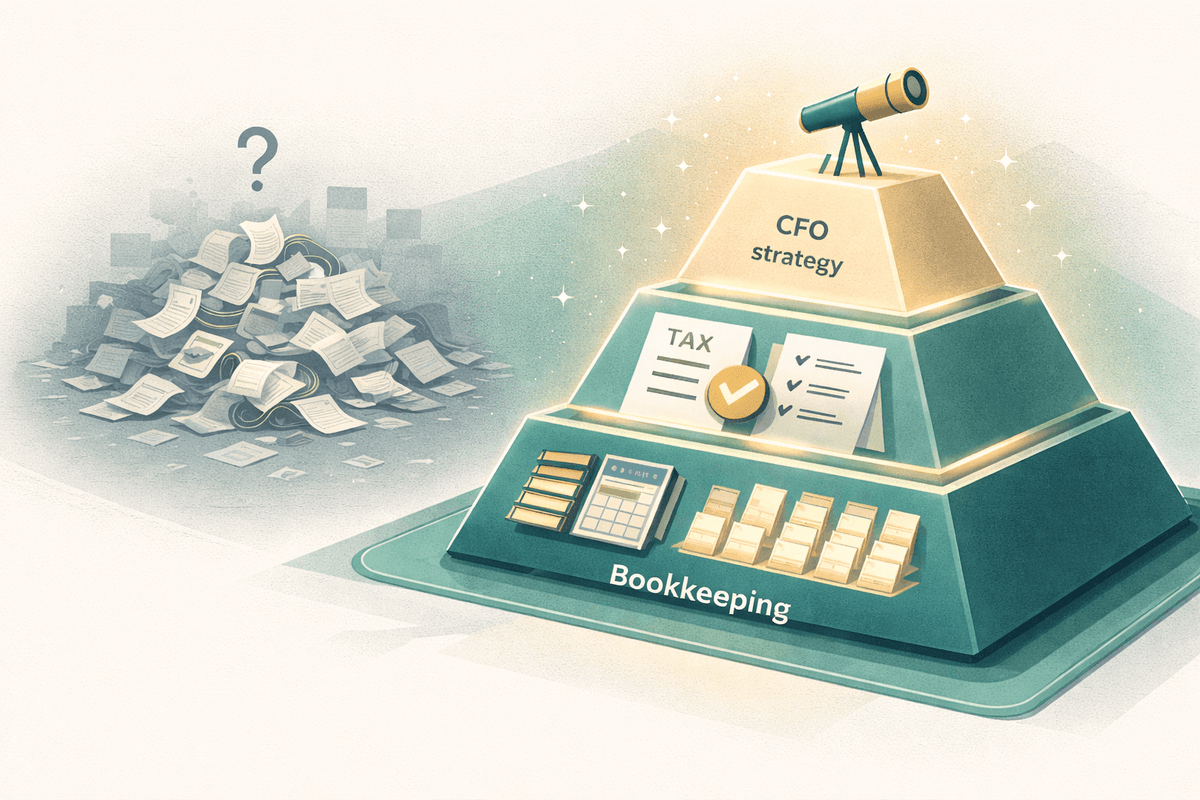
For most online sellers, year-end accounting feels like a fire drill every single year. The Q4 sales push consumes all available attention, the holiday rush strains operations, and then suddenly it is January and someone needs clean books for tax season. Sound familiar?
E-commerce accounting at year-end is genuinely more complex than accounting for a traditional business. You are reconciling multiple sales channels, navigating multi-state sales tax obligations, counting inventory, reconciling platform fees and chargebacks, and pulling together 1099-K forms from PayPal, Amazon, Stripe, and whoever else paid you. The complexity is real.
These eight tips will help you work through it methodically. Whether you are doing this yourself or working with a bookkeeper, this checklist ensures nothing critical gets missed.
Key Takeaways
- Start in October, not December early preparation gives you time to fix problems before they become crises
- Reconcile every sales channel separately Amazon, Shopify, Etsy, and PayPal all report differently
- Count your physical inventory software counts drift from reality; only a physical count reveals the truth
- Audit your sales tax collections multi-state nexus compliance is the biggest year-end risk for online sellers
- Collect all 1099s before filing mismatches between 1099s and your return trigger IRS notices
Table of Contents
Tip 1: Reconcile All Accounts and Sales Channels
Before you can close your books for the year, every account needs to be reconciled. That means every bank account, every credit card, every payment processor (PayPal, Stripe, Square), and every sales channel (Amazon Seller Central, Shopify, Etsy, eBay).
Each platform has its own reporting quirks. Amazon, for example, disburses funds every two weeks and nets out fees before depositing, so the deposit amount rarely matches your gross sales. You need to reconcile the gross sales, platform fees, refunds, and chargebacks separately to get an accurate picture. Shopify and Etsy have similar nuances.
Tools like A2X (for Amazon and Shopify) or Synder automate much of this reconciliation. If you have been manually reconciling multiple channels all year, this is the moment to set up automation for the coming year. For more on e-commerce accounting challenges, read our guide on e-commerce accounting risks and how to avoid them.
The most common reconciliation error I see for online sellers is treating platform deposits as revenue. Your Amazon deposit is not your revenue, it is your revenue minus fees, refunds, and held reserves. If you are booking the deposit as revenue, your gross sales and your true cost of goods are both wrong, and your tax return will be inaccurate.
Tip 2: Conduct a Physical Inventory Count
If your business carries physical inventory, you need an accurate year-end inventory count. Your ending inventory value directly affects your cost of goods sold, which directly affects your taxable income. Overstate your inventory and you understate your COGS and overpay taxes. Understate it and you have the opposite problem.
Even if you track inventory in your software (Shopify, QuickBooks, DEAR), you still need a physical count. Software inventory drifts from reality over the year due to miscounts, theft, damage, returns, and data entry errors. Only a physical count tells you what you actually have.
Schedule the count for the last business day of December or the first business day of January. Use a two-person count process (one counts, one records) to minimize errors. Compare your count to your software records and adjust the difference, this is your inventory shrinkage, which is a legitimate business deduction.
Tip 3: Audit Your Sales Tax Compliance
Sales tax compliance is one of the most significant risks for online sellers, and year-end is the time to audit your situation. Since the 2018 South Dakota v. Wayfair Supreme Court decision, most states have economic nexus laws that require online sellers to collect and remit sales tax based on their sales volume in a state, even without physical presence.
Year-end audit steps for sales tax compliance:
- Pull a report of your sales by state for the full year from each platform
- Identify any states where you crossed the economic nexus threshold (typically $100,000 in sales or 200 transactions)
- Verify you are registered and collecting in every state where you have nexus
- Reconcile the sales tax you collected against the sales tax you remitted, the numbers should match
- If you find discrepancies or uncollected states, consult a sales tax specialist about your voluntary disclosure options
Tip 4: Collect and Review All 1099 Forms
By January 31st, you should receive 1099-K forms from any payment processor that paid you more than $600 in the tax year (the threshold was lowered significantly in recent years). That includes PayPal, Stripe, Square, Amazon, Etsy, and any other platform that processed payments on your behalf.
Compare each 1099-K to the revenue you have recorded for that platform. They should match (or your book revenue should be higher if you recorded refunds separately). Mismatches between 1099s and your reported revenue are a common trigger for IRS notices, so it is critical to reconcile these before your CPA files your return.
You also need to issue 1099-NEC forms to any contractor or freelancer you paid more than $600 during the year. The deadline to send 1099s to recipients is January 31st, and to file with the IRS by the same date (for electronic filing). Missing contractor 1099s can result in penalties and backup withholding requirements.
Tip 5: Review Accounts Receivable and Payable
Pull your accounts receivable aging report and review every open invoice. Any invoice more than 90 days past due should be considered for write-off as a bad debt. Bad debt is a deductible business expense, but only if you are on accrual accounting and you have made reasonable collection efforts.
Similarly, review your accounts payable. Ensure all bills from December are properly recorded in the correct year, even if they will not be paid until January. Accrual accounting requires matching expenses to the period in which they were incurred, not when they were paid. Your CPA needs accurate year-end AP to prepare your return correctly.
If you are not sure whether you should be on accrual or cash basis accounting, our guide on accrual vs. cash basis accounting explains the difference and which method is best for e-commerce businesses.
Tip 6: Categorize and Review All Expenses
Before closing the books, review every expense for the year and ensure everything is correctly categorized. Look specifically for:
- Expenses miscategorized as personal that should be business deductions
- Large or unusual transactions that need supporting documentation
- Software subscriptions or equipment purchases that may qualify for Section 179 expensing
- Home office expenses if you work from home
- Vehicle expenses and mileage if you use a vehicle for business
- Business meals that were recorded but missing the required business purpose documentation
Getting your expense categorization right before tax season is critical. Your CPA works from your books, if the books are wrong, the return will be wrong. For a comprehensive list of what you can deduct, see our guide on small business tax deductions.
Tip 7: Pull and Review Your Financial Statements
Once all transactions are entered and reconciled, generate your three core year-end financial statements: the Profit and Loss Statement for the full year, the Balance Sheet as of December 31st, and the Cash Flow Statement for the full year.
Review each one carefully. Does your net income on the P&L look reasonable given what you know about the year? Does your cash balance on the balance sheet match your actual bank balance? Do your asset and liability totals make sense? If anything looks off, find out why before your CPA starts preparing your return, it is much easier to fix now than after filing.
Tip 8: Plan for the Year Ahead
Year-end is not just about closing the books on the past, it is the ideal time to set up better systems for the year ahead. If you struggled with any part of this checklist, that struggle is a roadmap for what to improve.
Common year-end-driven improvements include: implementing automated sales channel reconciliation tools, setting up quarterly inventory counts so year-end is not a marathon, registering for sales tax in states where you have reached nexus, and implementing better bookkeeping systems to make next year's close painless.
If this year's close revealed that you need professional accounting help, now is the time to make that investment. Starting a new year with a professional bookkeeper means you will never face this chaos again. Our guide on accounting tasks to outsource for your online business will help you figure out what to hand off.
The best year-end close I ever saw for an e-commerce client took 4 hours. The worst took 3 weeks and required a forensic bookkeeping cleanup. The difference was not business size, they were similar revenue. The difference was that the 4-hour close had monthly reconciliation done all year. The 3-week disaster had not reconciled since March. Your year-end close is a direct reflection of your bookkeeping habits throughout the year.
Frequently Asked Questions
When should online sellers start their year-end accounting process?
Ideally, start preparing in October or November, not December. October gives you time to identify and fix problems before year-end, request any missing documents from vendors and platforms, and plan any last-minute tax moves. If you wait until December, you are in emergency mode. If you wait until January, you are already late.
What are the biggest year-end accounting challenges for e-commerce sellers?
E-commerce sellers face several unique year-end challenges: reconciling multiple sales channels (Amazon, Shopify, Etsy, etc.) with their accounting software, performing physical inventory counts and adjusting book inventory accordingly, reconciling sales tax collected versus sales tax owed across multiple states, and sorting out marketplace fees and chargebacks that may span year-end dates.
Do online sellers need to do a physical inventory count at year-end?
Yes, if your business carries physical inventory, a year-end inventory count is generally required for tax purposes. The count establishes your ending inventory value, which is used to calculate cost of goods sold for the year, a major factor in your taxable income. Even if you track inventory in software, a physical count catches shrinkage, damage, and counting errors that the system misses.
The Bottom Line
A smooth year-end close is not something that happens in December, it is the result of good bookkeeping habits maintained all year long. But if you are starting from behind, this checklist will get you through it. Work through each item methodically and you will enter the new year with clean books and a clear picture of where your business stands.

About the Author
Tom Woolley, MBA
Tom Woolley is a fractional CFO who has spent 11+ years helping business owners take control of their finances. He works with contractors, dental and medical practices, and professional service firms across the country.
Connect on LinkedInAre Your Books Working For You?
Get a free financial health check. We will review your bookkeeping setup and show you exactly where you are leaving money on the table.
Schedule Your Assessment